Change the number of child records displayed in the detail view
When you open a record’s detail view in an AppGini application, any related child records are displayed in tabs at the bottom of the page. For example, an order record might show its line items in a child tab, or a customer record might show their orders.
By default, AppGini shows 10 child records per page in these tabs. This is a sensible default for most cases, but you may want to show more (or fewer) records to better suit your users’ workflow.
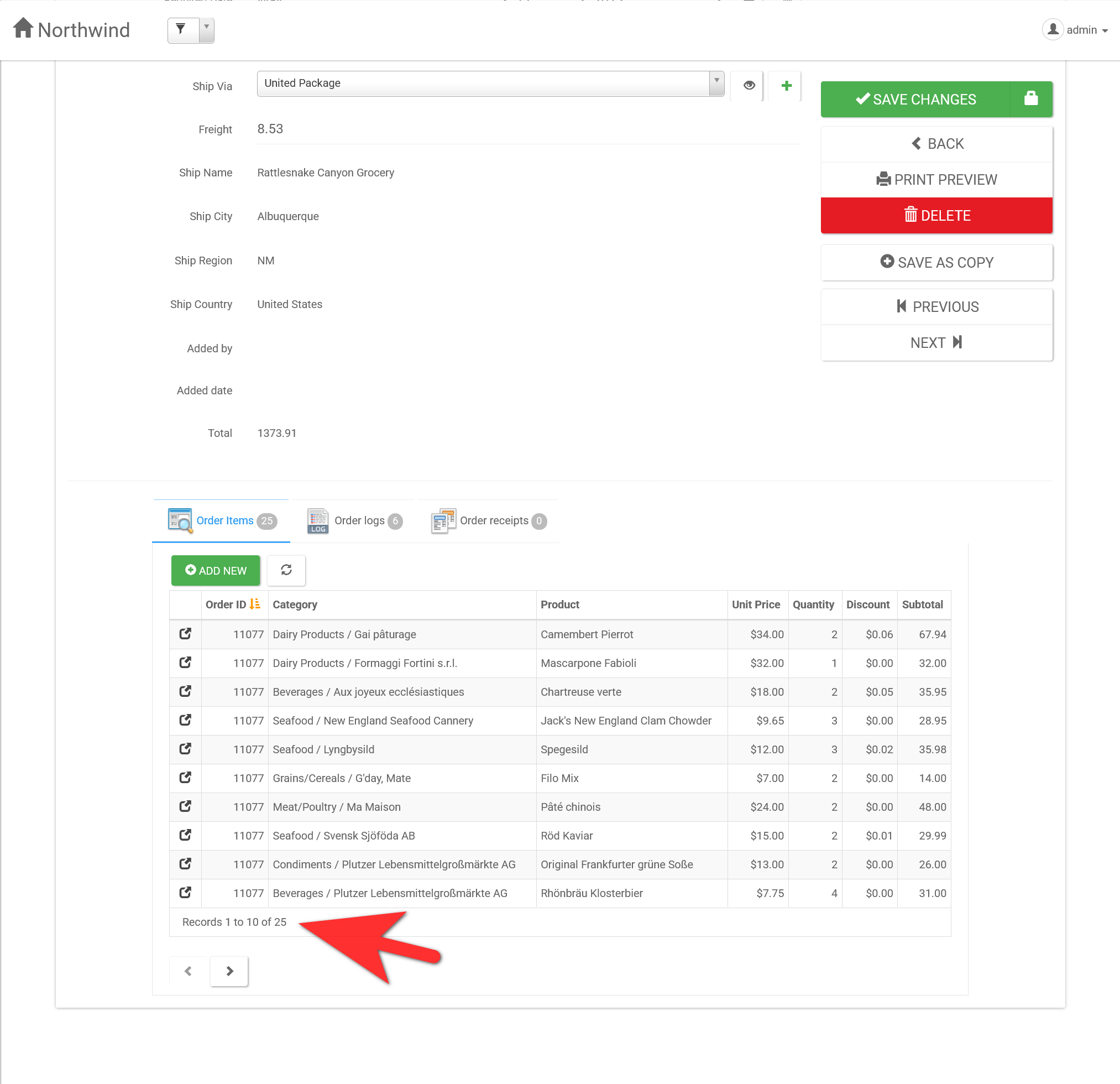
This guide explains the supported way to change this number safely and keep your customization regeneration-proof.
Use the child_records_config() hook
child_records_config()is available only in AppGini 22.14 and later.
AppGini provides a hook function called child_records_config() in hooks/__global.php. This hook is called every time the child records panel is about to render, and it lets you modify the configuration — including records-per-page — at runtime, without touching any generated files.
This is the preferred approach because:
- Your change survives regeneration (generated files are not touched).
- You can apply conditional logic (e.g., different limits per user group, or only for specific child tables).
How the hook works
When a user opens a detail view, the page makes an AJAX request to parent-children.php. Before building the query or rendering the template, this script calls child_records_config() and passes the entire parent/children configuration array by reference. Any changes you make inside the hook are immediately used for that request.
The function signature is:
|
|
The $config array is keyed by child table name, then by lookup field name. Each entry holds configuration options including 'records-per-page', 'default-sort-by', 'forced-where', and others.
Changing records-per-page for a specific child tab
Open hooks/__global.php and find the child_records_config() function. To change the number of child records shown in a specific tab (for example, showing 30 line items instead of 10 under an order), add your logic like this:
|
|
Replace order_details with your actual child table name, and OrderID with the actual lookup field name linking that child table to its parent.
Tip: Not sure about the exact child table name or lookup field name? Check the generated
incCommon.phpfile and look for the'records-per-page'entries inside the big configuration array. Each entry is nested as$config['{child-table}']['{lookup-field}'].
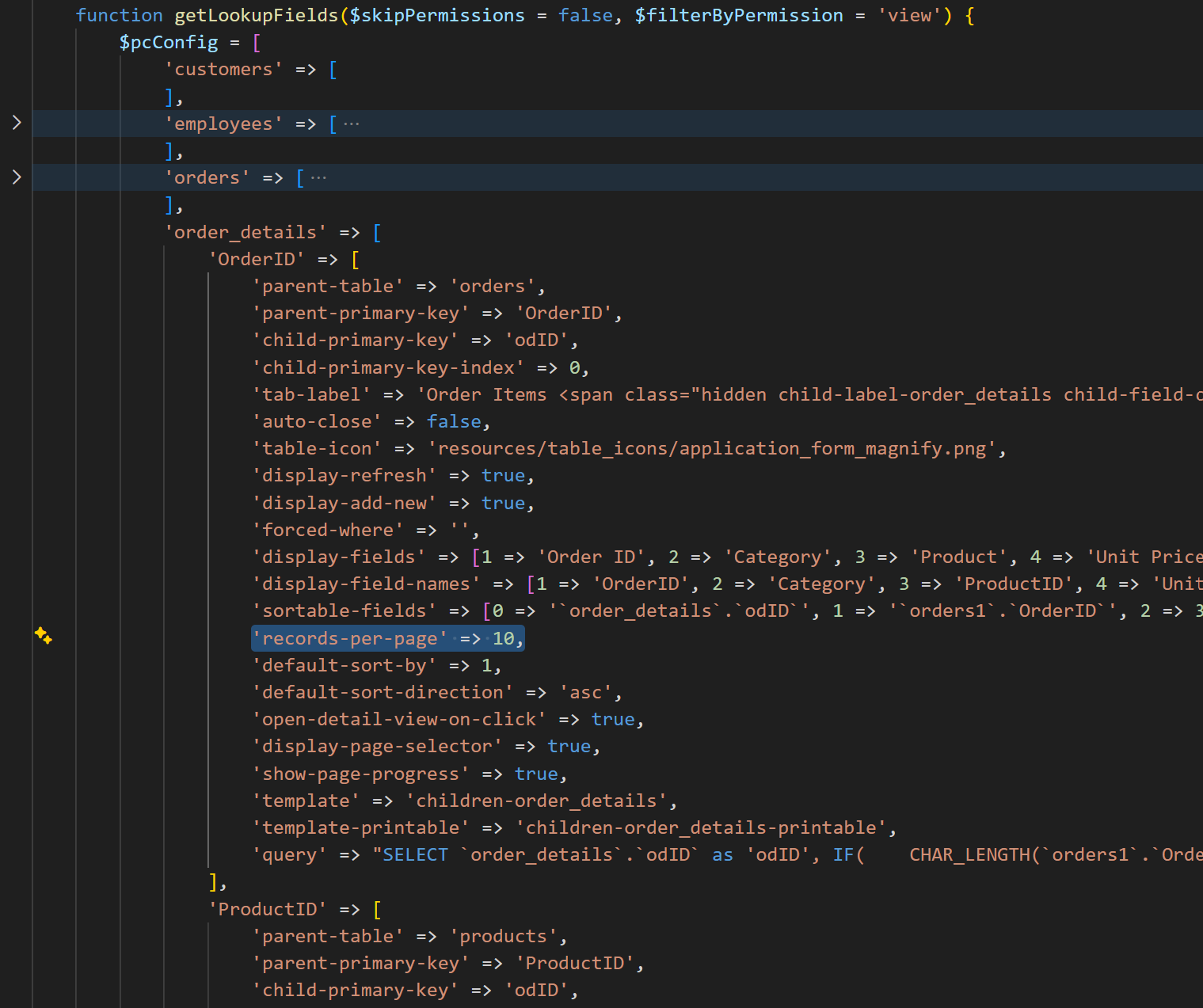
Applying the change only for specific user groups
One of the more powerful uses of this hook is applying different limits depending on who is logged in. For example, to give admin users a higher limit:
|
|
Applying the change to all child tabs at once
If you want to change the records-per-page limit across every child tab in the application, you can loop over the entire config array:
|
|
Seeing the result
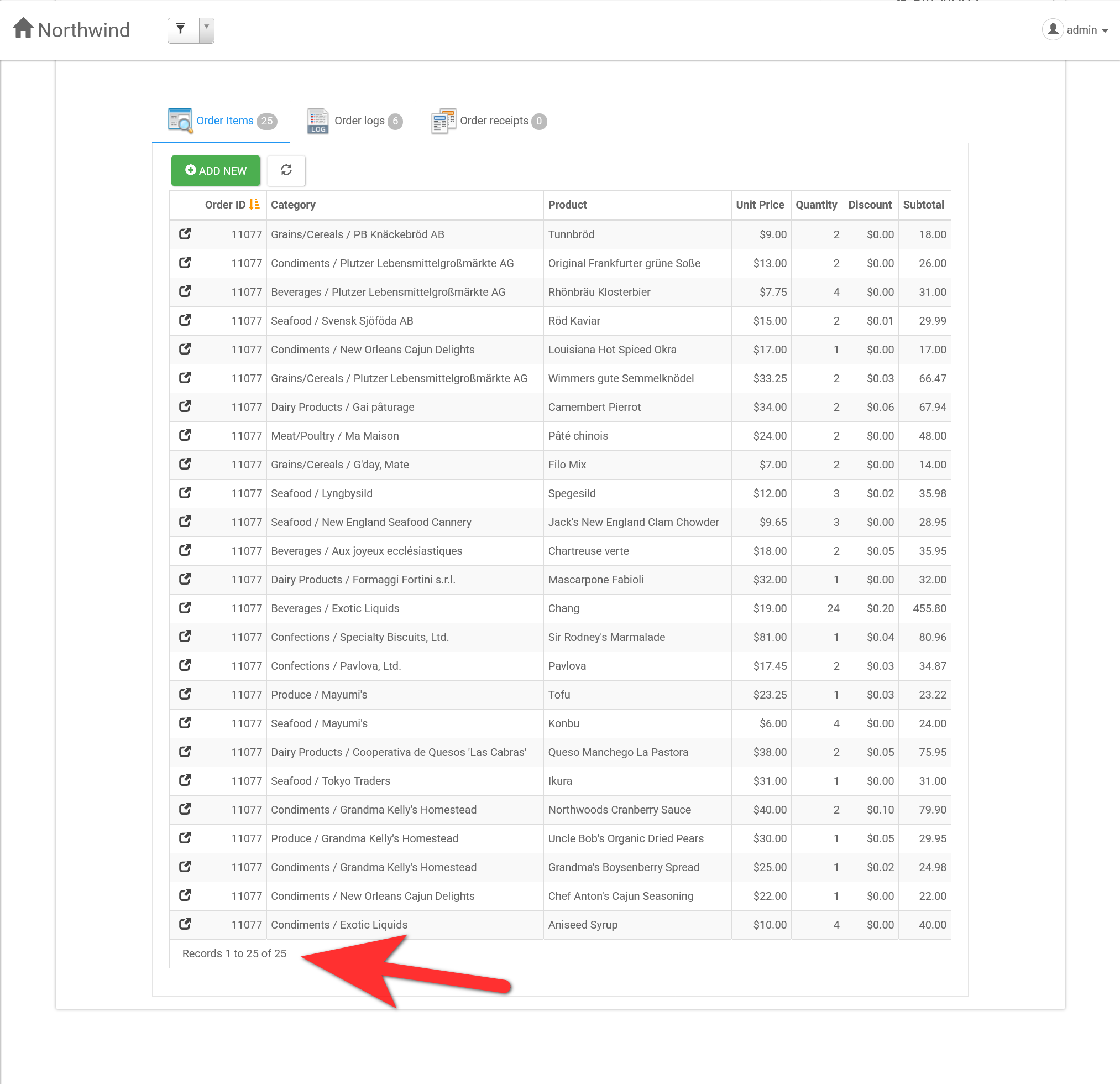
After saving hooks/__global.php, reload the detail view page. The child tab will now show up to the new number of records per page, and the pagination will automatically recalculate the total number of pages.
Summary
child_records_config() is the supported way to control how many child records are shown per page in detail view tabs.
It keeps your customization in the hooks/ folder, survives regeneration, and gives you full flexibility to apply table-specific or user-specific logic.